Viral AI Video GeneratorPut yourself in trending AI videos
Pick a viral trend, upload one photo, and get a video of yourself in minutes. New trends every week.
Trending AI video templates
Tap a trend to start. New viral AI videos every week.
What is ZapVid?
ZapVid is a viral AI video generator. You pick a trending AI video template, upload one clear photo of yourself, and the AI makes a 12 to 28 second video with you in the scene. Most videos are ready in 5 to 10 minutes and use 100 credits, which works out to $5 to $10 depending on the pack.
A video editor adds captions to a clip you already have. ZapVid puts you inside the trend. There is no prompt to write and no editing app to learn, and templates marked “YOU + N” let up to 3 friends join you.
Updated
- is all you upload
- 1 photois all you upload
- video length
- 12 to 28 svideo length
- until it is ready
- 5 to 10 minuntil it is ready
- for most videos
- 100 creditsfor most videos
How to make a trending AI video of yourself
- 01
Pick a trend
Choose one of this week’s trending AI videos: a dance trend, a funny meme, or a party scene with friends. Each card shows how many friends can join.
- 02
Upload one photo
A clear, front-facing selfie in good light works best. Add a photo for each friend where the template allows. No prompt, no editing app.
- 03
Download and post
Your MP4 is ready in 5 to 10 minutes. Post it to TikTok, Instagram Reels or YouTube Shorts and add the official sound in the app.
ZapVid vs other ways to make a viral video
A viral AI video generator, a video editor or a prompt tool: what each one asks of you.
| ZapVid | Video editor | Prompt-based AI video generator | |
|---|---|---|---|
| What you do | Pick a trend, upload one photo | Find a clip, add text and stickers | Write a prompt, retry until it looks right |
| Are you in the video? | Yes, made from your photo | Only if you film yourself | Sometimes, if you upload a photo and describe the scene |
| Matches the viral trend | Built from the trend itself | You copy the format by hand | As close as your prompt gets |
| Time | 5 to 10 minutes | Minutes to hours of editing | Depends on how many retries |
| Price | One-time credit packs or optional plans | Often free | Often a monthly subscription |
Trending AI videos for TikTok, Reels and Shorts
Vertical or wide
Every video downloads as an MP4. Most templates are vertical 9:16 for TikTok, Instagram Reels and YouTube Shorts; trends that started wide come in 16:9.
Add the official sound
Videos come without music. Add the trend’s sound from the TikTok or Instagram music library, so the song is credited and your post shows up on the sound’s page.
Label it as AI
Every video is AI-generated, not real footage. Turn on the AI-generated label when you post; TikTok and Instagram both have one.
ZapVid pricing
Subscribe for the lowest price per video, or buy credits once. Credits work on every template and on AI video and AI image. Most template videos use 100, an AI image uses 2 to 7.
Plans
Best price per video. Cancel anytime.
Starter
$15.99/month
Billed $191.88 yearly
350 credits a month (about 3 videos)
Pro
$31.99/month
Billed $383.88 yearly
750 credits a month (about 7 videos)
Studio
$63.99/month
Billed $767.88 yearly
1,600 credits a month (about 16 videos)
- Lower price per video than packs
- Unused credits reset each month
- Cancel anytime, keep it until the period ends
One-time credit packs
Pay once, no renewal. Pack credits never expire.
100 credits
$9.99
About 1 video · $9.99 per video
300 credits
$19.99
About 3 videos · $6.66 per video · Save 33%
1,000 credits
$59.99
About 10 videos · $6.00 per video · Save 40%
2,000 credits
$109
About 20 videos · $5.45 per video · Save 45%
4,000 credits
$199
About 40 videos · $4.97 per video · Save 50%
- Works on every template and AI tool
- Credits never expire
- No subscription, pay once
- Same price with friends
- Failed videos refunded automatically
- Secure checkout by Stripe
- No account needed to start
- Credits back if a video fails
Frequently asked questions
What people ask before making their first ZapVid video
Guides
Step-by-step guides for each trending AI video.
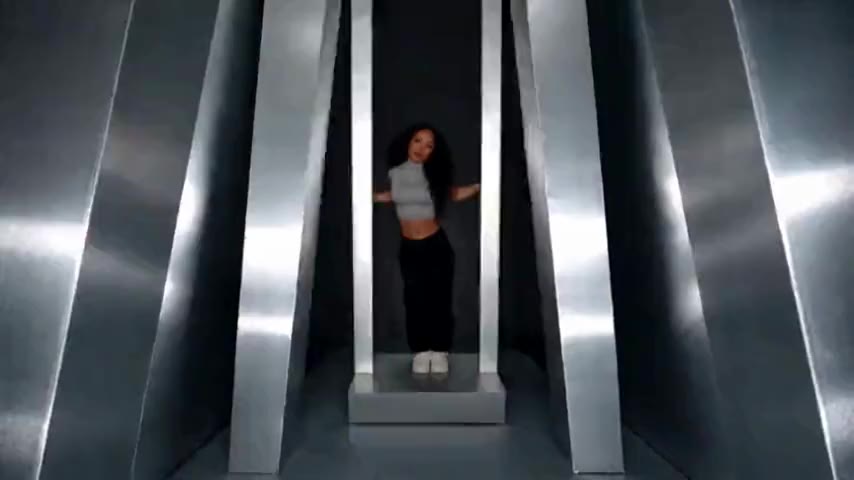
AI Trend Video Maker With No Prompt: Put Yourself in a Viral Trend
How to make a viral TikTok trend video of yourself with AI without writing a prompt. Pick a trend template, upload one photo, and get your video in minutes.
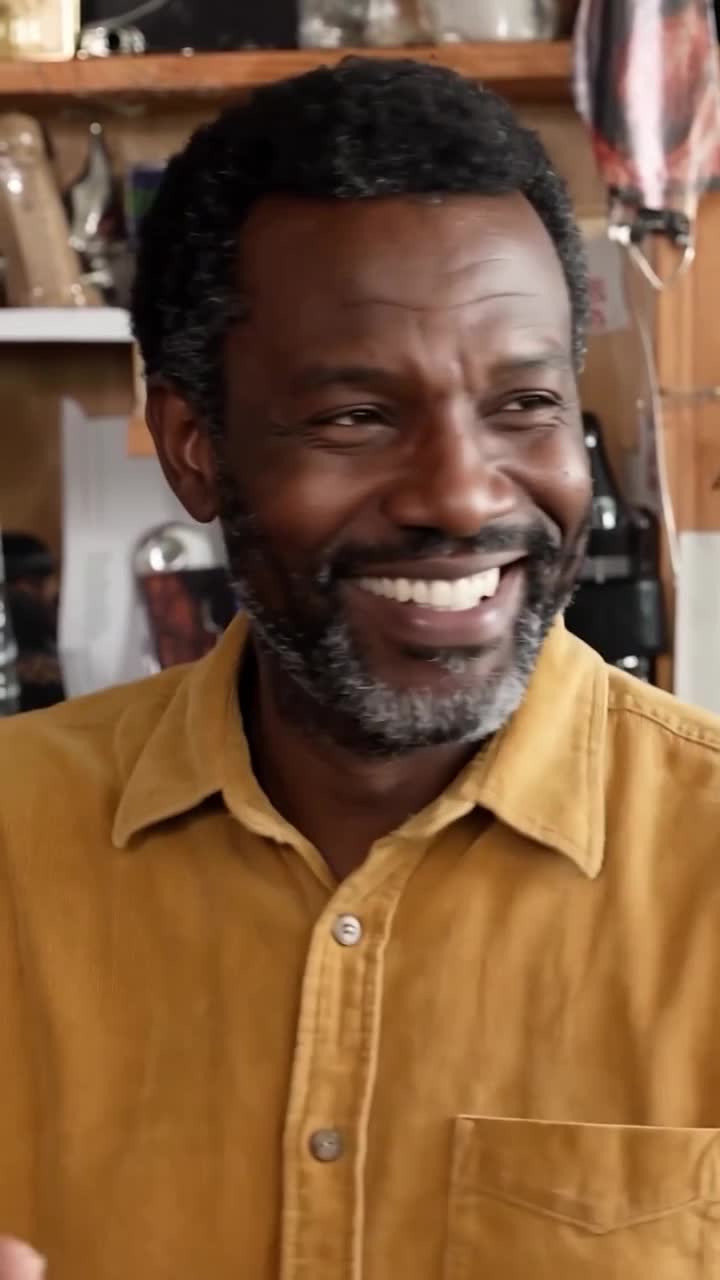
How to Make the Outstanding Tiny Desk AI Video With Your Friends
Make the Tiny Desk AI video from Charlie Wilson's Outstanding with up to four friends. You sing lead, friends play keys, sax and backup. Ready in minutes.
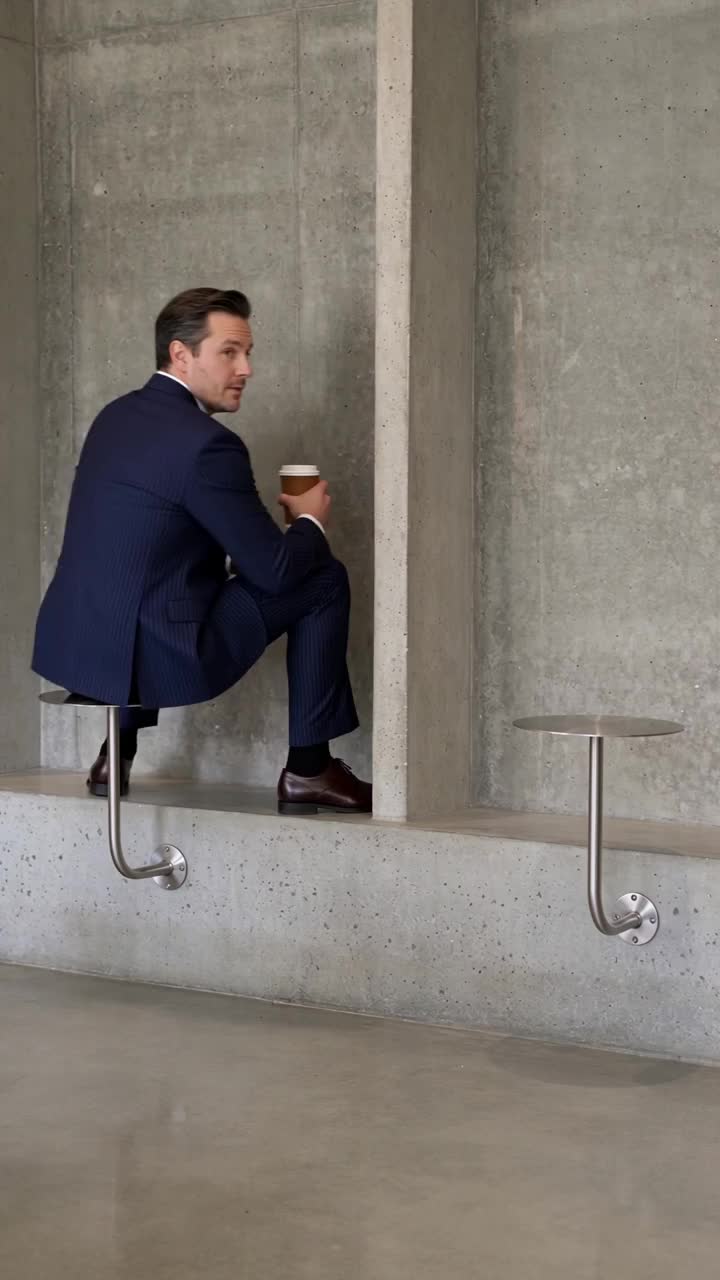
How to Make the Fancy Cafe AI Video From Your Photo (2026)
Make the "POV: Your first time in a fancy cafe" AI video: you sit on the wall table, a guest walks in and side-eyes you. 21 seconds, one or two photos.
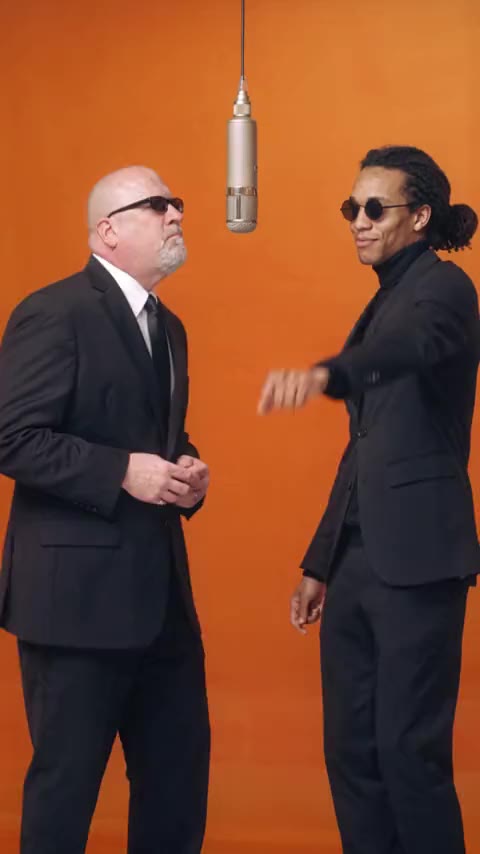
How to Make the Hotel Lobby AI Video With a Friend
Make the Hotel Lobby AI video with a friend from two photos. Trade bars on one hanging mic, in vertical or horizontal, and add the sound when you post.
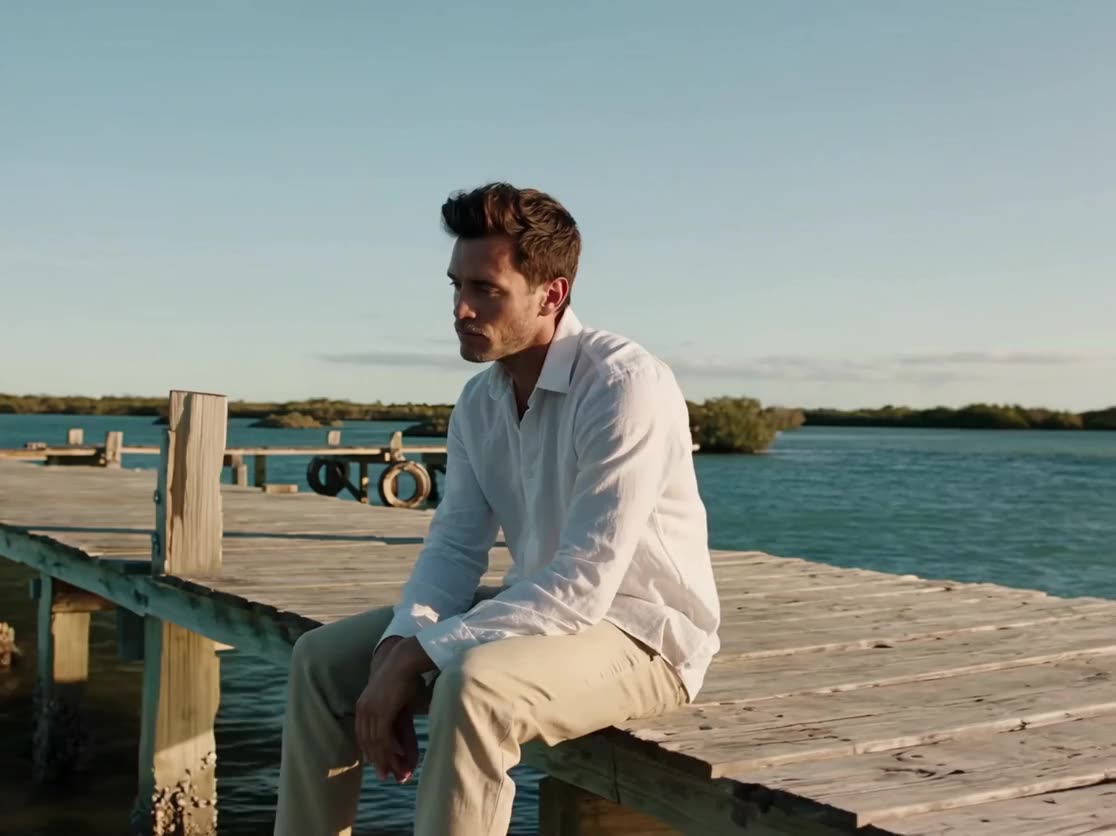
How to Make the Raindance AI Video With Your Partner (2026)
Make the Raindance AI trend video from two photos. You sing by the water, your partner waits on the dock, and the timing matches the Dave and Tems sound.
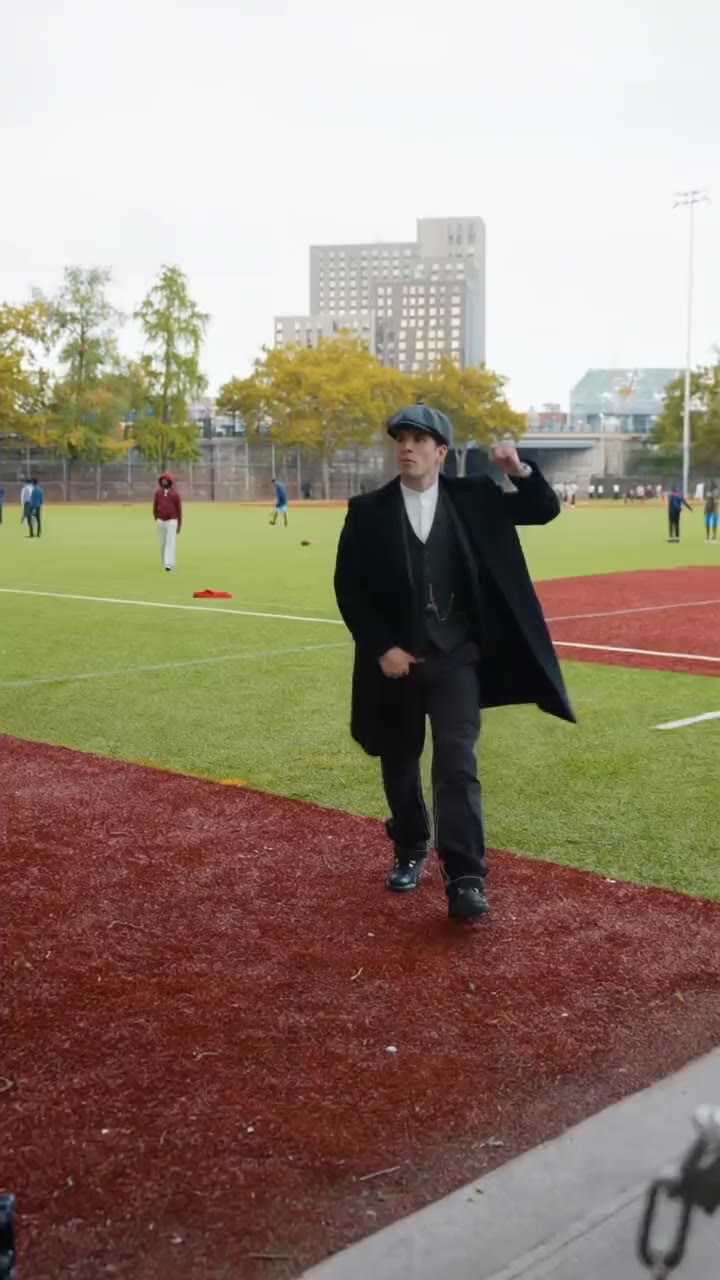
Is It Safe to Upload Your Photo to an AI Video App?
What happens to your photo when you make an AI trend video, what to check before you upload, and how ZapVid handles photos, consent and deletion.
Your turn to trend
Open the viral AI video generator, pick a template, upload one photo, and post your video today.
Pick a trend