How to Make the Outstanding Tiny Desk AI Video With Your Friends
Make the Tiny Desk AI video from Charlie Wilson's Outstanding with up to four friends. You sing lead, friends play keys, sax and backup. Ready in minutes.
Quick answer
To make the Outstanding Tiny Desk AI video, upload a clear photo of yourself to the Outstanding Tiny Desk AI Video Generator, add up to four friend photos for the band, and press Generate. ZapVid makes a 14-second vertical video of your band at the desk concert, with the same moves, cuts and mouth timing as the viral clip. You sing lead, and your friends play keys, sax and backup vocals. It takes 6 to 10 minutes and uses 100 credits, with or without friends.
What is the Tiny Desk AI trend?
It's an AI edit of a real concert. NPR Music published Charlie Wilson's Tiny Desk Concert on June 5, 2023, and he closed it with "Outstanding", the 1982 hit by The Gap Band. The clip everyone uses is the end of that song: the band singing behind a red keyboard, a long grinning close-up of the singer, then a saxophone solo.
In October 2026, a TikTok creator posting as @theburnerfromhe11 used AI to put five college football coaches into the band. All five had lost on the same Saturday, and there they were, beaming through a song called "Outstanding" a few hours later. From October 19 the video spread on X, The Athletic wrote about it on October 23, and fans made their own versions for NFL teams, owners and TV hosts.
How do I make it step by step?
- Open the generator. Go to the Outstanding Tiny Desk AI Video Generator. The template is already selected.
- Upload your photo. You become the lead singer.
- Add your band, or skip it. Tap a spot (keys, sax, back left or back right) to put a friend there. On a computer you can also scan the code and send photos from your phone. Any empty spot keeps the musician from the original clip.
- Press Generate. The AI puts everyone into the whole clip in one pass. The video is ready in 6 to 10 minutes, and you can leave the page while it renders.
- Download and post. Save the MP4 and add the "Outstanding" sound when you post (see below).
There's no prompt to write. The template already has the positions, the cuts and the performance.
Who goes where in the video?
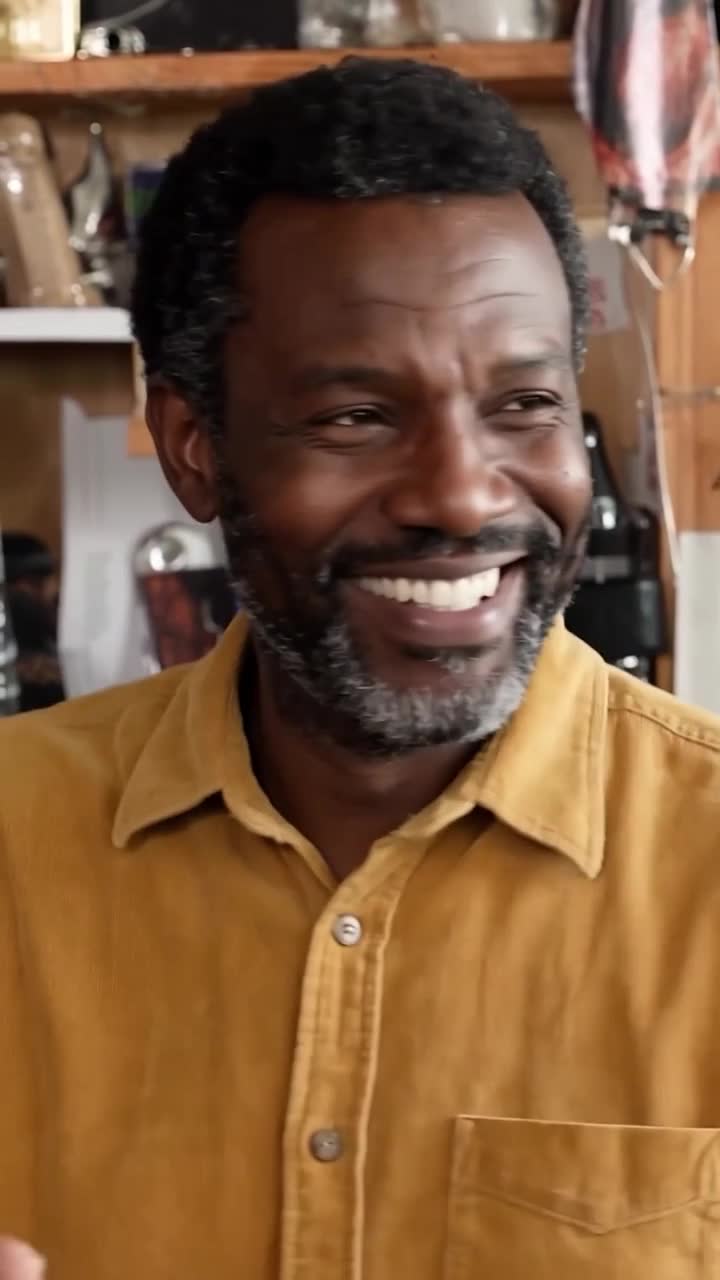
- Lead singer (your photo): the long close-up in the middle of the clip, about six seconds of you singing and grinning.
- Keys: front and center in the band shot, at the red keyboard.
- Sax: the saxophone solo close-up near the end.
- Back left and back right: the two backup singers standing behind the keyboard.
What photo gives the best result?
- One person per photo, facing the camera with the whole face visible.
- Waist-up or full body. The band shot shows everyone from the chest up, and your clothes carry over.
- Use your sharpest photos for you and the sax player. You both get a close-up.
- Avoid: sunglasses, heavy filters, blurry photos, group photos, and photos of anyone who did not agree to be in the video.
How do I add the Outstanding sound?
The video downloads without music, so you add the official sound inside the app:
- TikTok: upload the video, tap Add sound, search "Outstanding Gap Band" or "Charlie Wilson Tiny Desk", pick the track, and lower the original volume to zero.
- Instagram Reels: upload the video, tap the music icon, search "Outstanding", and line it up so the singing starts with the band shot.
Can I put coaches or players in it?
No. The viral versions use famous coaches and athletes, but ZapVid blocks photos of public figures. Use photos of yourself and of adults who agreed to be in the video. Your own team after a rough game, your coworkers after a bad quarter or your family after a lost board game all fit the same setup.
Is it free?
A 14-second video uses 100 credits, whether you add zero or four friends. A credit pack costs $9.99 for 100 credits. There is no subscription, and credits left after one video work on every other template. If a video fails, the credits come back to your account automatically.
More Tiny Desk AI guides
- The Outstanding Tiny Desk meme, explained: the concert, the song and the AI coaches edit.
- The Outstanding Tiny Desk AI template, shot by shot: which friend shows up where and for how long.
- Is there a free Tiny Desk AI generator?: free options and 8 tools compared on price.
- Tiny Desk AI meme ideas: who to put in your band.
FAQ
How long does the Tiny Desk AI video take? Most videos are ready in 6 to 10 minutes after you press Generate.
How many friends can I add? Up to four. You sing lead, and you choose which friend plays keys, sax, back left and back right.
Can I make it alone? Yes. With one photo you sing lead and the rest of the band stays as in the original clip.
Does it cost more with friends? No. One video uses 100 credits with any number of friends.
Does the video include the song? No. Videos have no sound, and we do not use the original song or the NPR video. Pick the "Outstanding" sound in TikTok or Instagram when you post.
Is this the same as the Charlie Wilson Tiny Desk AI video? Yes. People search for it as Tiny Desk AI, Outstanding Tiny Desk AI and Charlie Wilson Tiny Desk AI. It's the same clip and the same trend.